
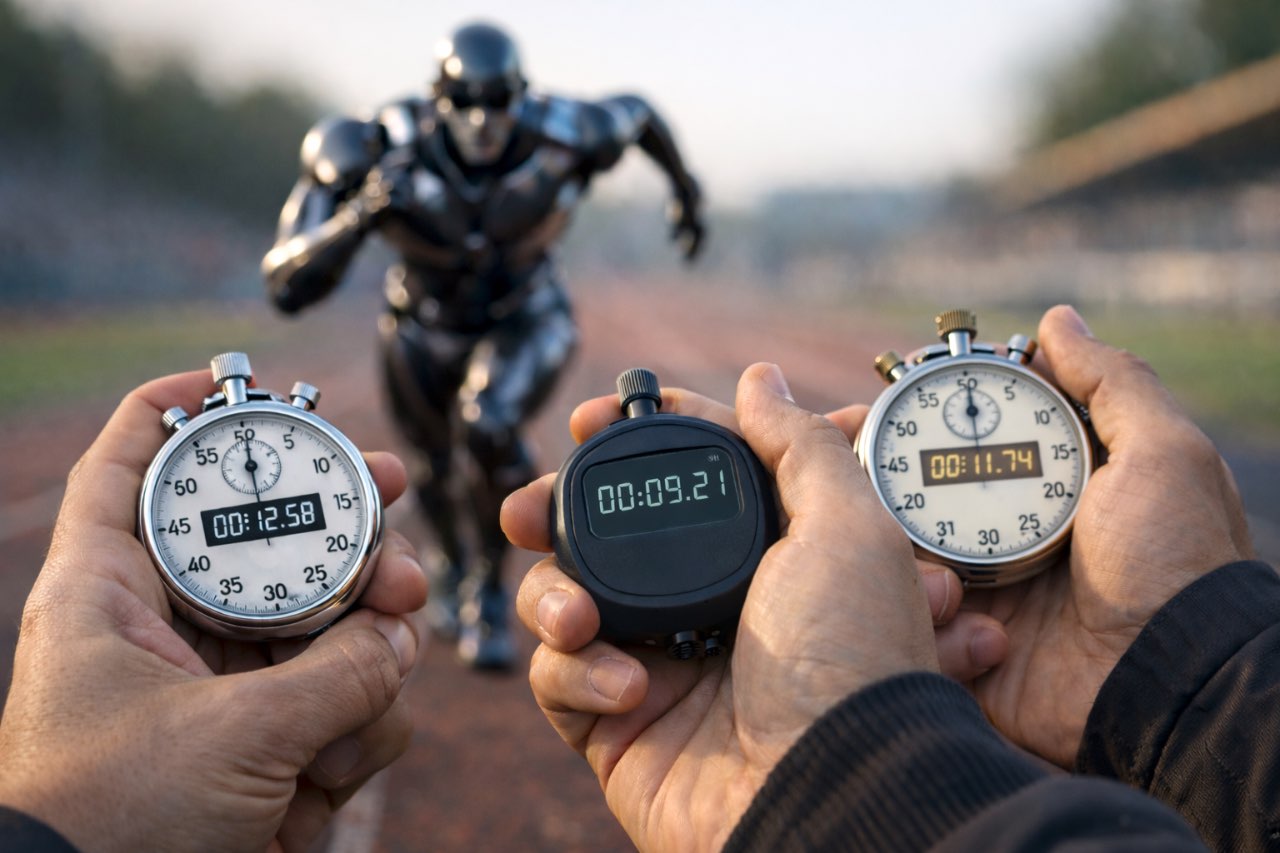
For as long as I have been coding in Java, we have had requirements to measure the execution time of blocks of code. While the current good practice is to use OpenTelemetry’s traces, not every company has reached this stage yet. Plus, some of the alternatives are OpenTelemetry-compatible. Let’s see them in order.
The basic option
The basic option is what we have been doing for ages, and what the other options rely on anyway. It’s based on the following API: System.currentTimeMillis().
Usage is pretty straightforward:
long start = System.currentTimeMillis();
// Execute code
long end =  System.currentTimeMillis();
System.out.println("Code executed in " + (end - start) + " milliseconds");
The Object-Oriented alternative
If you are an OOP developer, then you’d rather encapsulate state. Here’s a draft of such encapsulation:
class Timer {
    private long startTime;

    public void start() {
        startTime = System.currentTimeMillis();
    }

    public long stop() {
        return System.currentTimeMillis() - startTime();
    }
}
You can add a reset() method to reuse the object, a suspend() method to pause the timing, or decide to have a separate get() method on top of stop().
Nothing changes the overall design.
Both [Guava](https://guava.dev/releases/19.0/api/docs/com/google/common/base/Stopwatch.html) and Apache Commons Lang provide a Stopwatch class, with minor variations.
If either of them is on the classpath, don’t reinvent the wheel and use it.
The functional alternative
A functional approach is also possible if that’s what you prefer.
Let’s start by timing a method that accepts a parameter and returns a value, in other words, a java.util.function.Function.
We can wrap it in a timing method that accepts the said function, and a Consumer<Long>.
public class TimeUtils {
    public static <I,O> O time(I input, Function<I,O> function, Consumer<Long> time) {
        long start = System.currentTimeMillis();                     (1)
        O result = function.apply(input);                            (2)
        time.accept(System.currentTimeMillis() - start);             (3)
        return result;
    }
}| 1 | Start the timer |
| 2 | Call the method |
| 3 | Compute the time and wrap it in a consumer |
We can use it like this:
var result = TimeUtils.time(
    0,                                                               (1)
    value -> value + 1,                                              (2)
    time -> System.out.println("Time: " + time  + " ms"));           (3)
System.out.println("value: " + result);| 1 | Input value |
| 2 | Inline function |
| 3 | Log the elapsed time |
We must add more code to cater to other method signatures.
public class TimeUtils {

    public static <T> T time(Supplier<T> supplier, Consumer<Long> time) {      (1)
        long start = System.currentTimeMillis();
        T result = supplier.get();
        time.accept(System.currentTimeMillis() - start);
        return result;
    }

    public static <T> T time(T t, Consumer<T> consumer, Consumer<Long> time) { (2)
        long start = System.currentTimeMillis();
        consumer.accept(t);
        time.accept(System.currentTimeMillis() - start);
    }
}| 1 | Wraps a Supplier |
| 2 | Wraps a Consumer |
You can do the same with Runnable and BiFunction.
If your methods require more than two parameters, you’ll need to model more functional interfaces, e.g., Function3, Function4, etc.
Micrometer, a "vendor-neutral observability facade" offers this approach.
The annotations alternative
The last alternative to time code is annotation. I have written an exhaustive post on annotations and annotation processor. In short, you create two components:
- An annotation, e.g.,
@Timed - An annotation processor, which scans methods and filters those annotated with
@Timedat either compile-time or runtime
In the first case, we rely on bytecode manipulation to weave the OOP or functional alternatives above around the original method. In the second one, we would need to intercept the instantiation of classes having such annotated methods, and wrap them in a java.lang.reflect.Proxy. In both cases, you generate additional code to:
- Start a timer
- Call the annotated method
- Stop the timer
- Extract the time
- Do something with the time, e.g., log execution time
The code is more complex than the two previous alternatives, so I won’t develop it further.
AspectJ, an Aspect-Oriented Programming framework, provides the overall engine. You’ll only need to develop the annotation and the wrapping code.
Alternatively, Micrometer provides a @Timed annotation.
Conclusion
In this post, I described three alternatives to measure the elapsed time of code execution: object-oriented, functional, and annotations. Depending on your context, you may want to use one or the other. In any case, I suggest you don’t roll out your own, but use one of the available libraries/frameworks.